08 Work
Time travel
Every prompt you send is a checkpoint. You can rewind the session to before a prompt, edit and resend it, or fork a new session from any answer, on the same engine or the other one.
Rewind to an earlier prompt#
Rewind removes a prompt and everything after it, and puts the prompt back in the composer so you can change it and send it again. This is how you edit and resend. There is no inline edit button.
- Hover the prompt you want to go back to.
- Click Rewind to here. The icon-only button sits beside Copy prompt.
- In Rewind to here?, choose:
- Rewind to cut the conversation. Files stay as they are.
- Rewind & restore N files to cut the conversation and also put the files back as they were at that point. The button states how many files are restored and how many are removed.
- Cancel, or press Esc.
- Edit the prompt in the composer and send it.
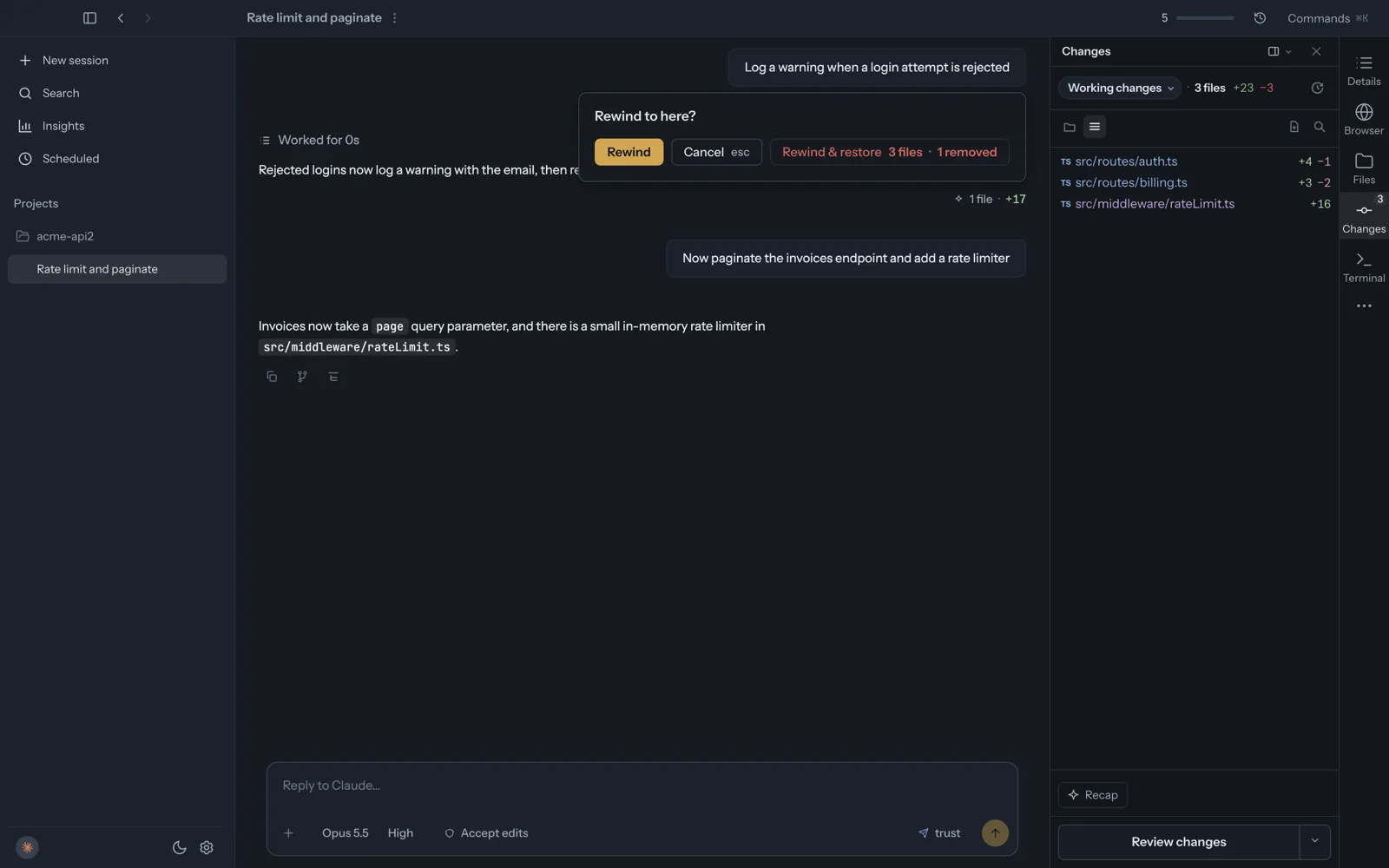
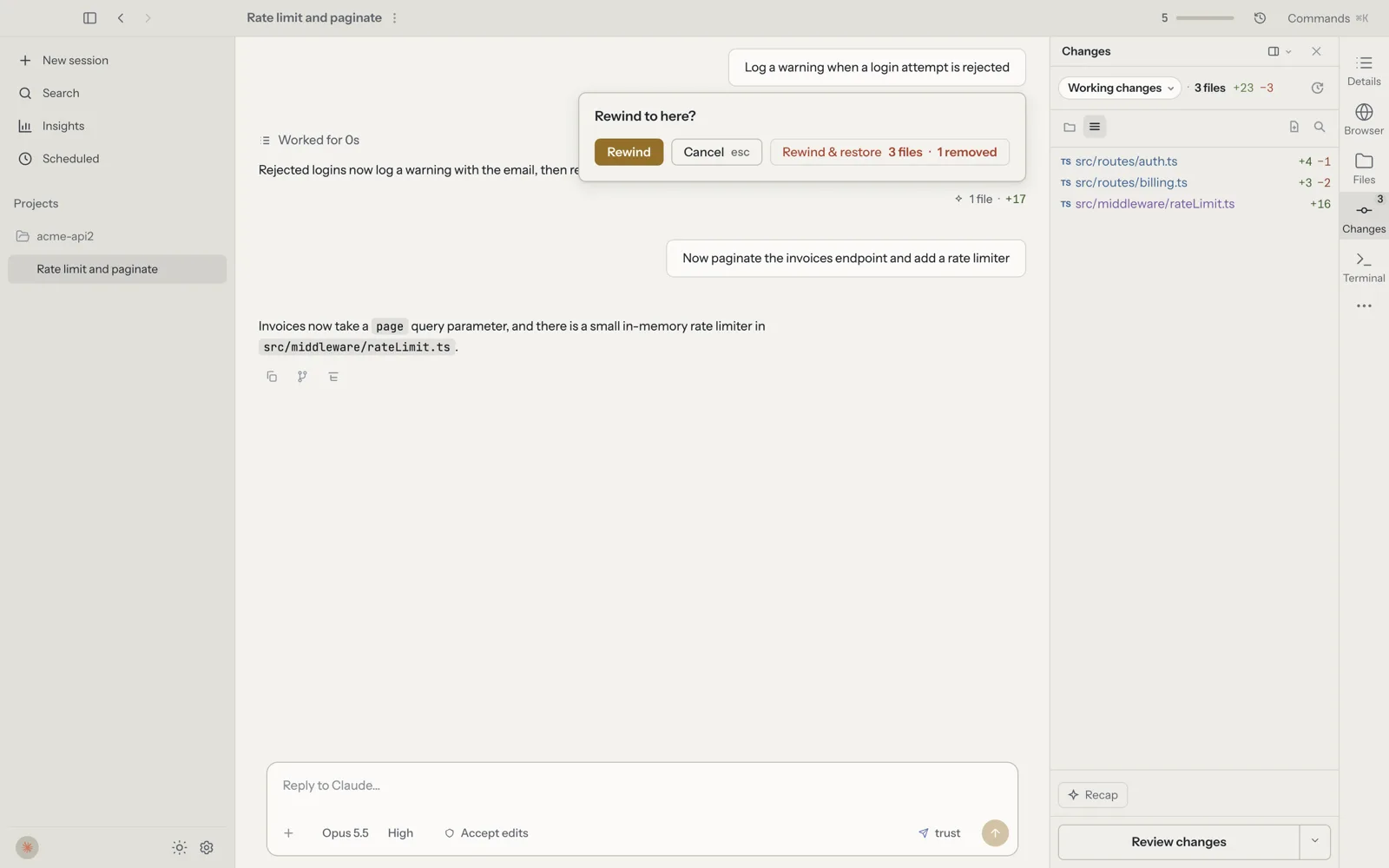
To rewind the most recent prompt from the keyboard, type /rewind (also /undo or /checkpoint). Rewind is held while a turn runs. Wait for it to end: /rewind says "Rewind after this turn ends".
The removed turns leave the model's context, not only the screen. The agent no longer remembers them.
What Rewind & restore changes#
This is the one place where ShanFlow itself changes your files, and only to undo the agent's own work at your request. Know its limits:
- It restores changes the agent made with its edit tools. It does not undo changes made by shell commands, by you in an editor, or by anything outside the app.
- Files the agent created after that point are deleted. The button shows the count ("2 removed").
- It is only offered when the session's file checkpoints are available. Otherwise the dialog says why, for example "Some file changes weren't recorded, so files can't be restored."
- Codex sessions do not keep file checkpoints. You can rewind the conversation, but not restore files: "Codex doesn't keep file checkpoints, so files can't be restored."
After a restore, a line in the thread reads "Rewound to turn 3 · restored 2 files". A plain Rewind leaves no line. Review your changes afterward in Changes.
If the prompt ran on a different model than the one selected now, the dialog tells you ("Ran on X, not Y · next send re-writes the context cold"). Rewind does not change your model. It also means the next send has to rebuild the cache, which costs more.
Fork a new session from an answer#
A fork copies the conversation into a new session and leaves the original alone. Use it to try another approach without losing the first one.
- Hover under an answer to show its actions.
- Click Fork a new session (tooltip "Fork session").
- If both engines are available, choose Claude or Codex from the menu. If only one engine is available, the fork starts at once.
The new session opens with the answer you forked from kept in place, and an empty composer. It copies up to the next prompt in the thread, or the whole session if you fork the last answer. The fork is named after the original, with "(fork)" on the same engine, or "(Codex fork)" or "(Claude fork)" on the other.
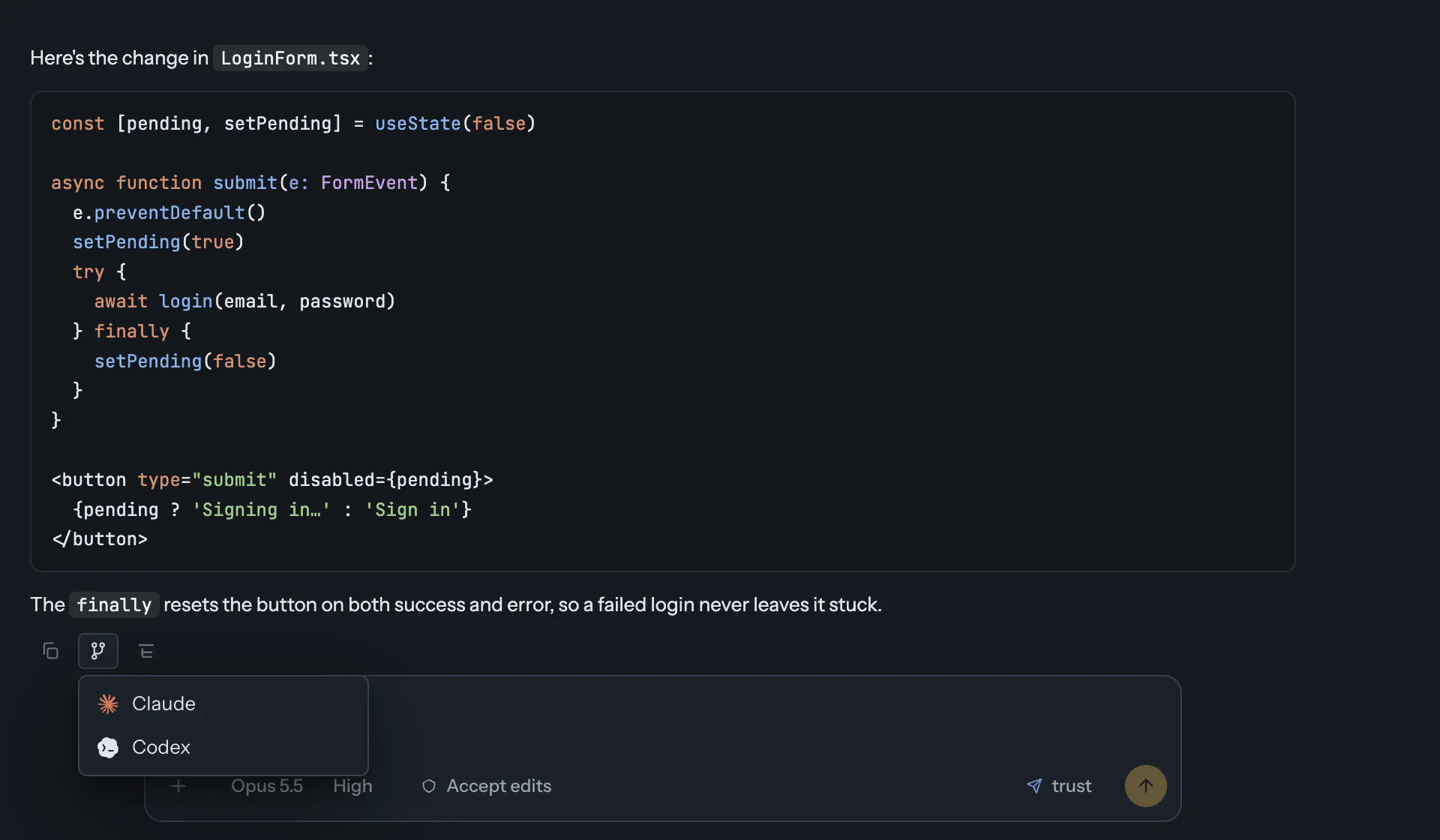
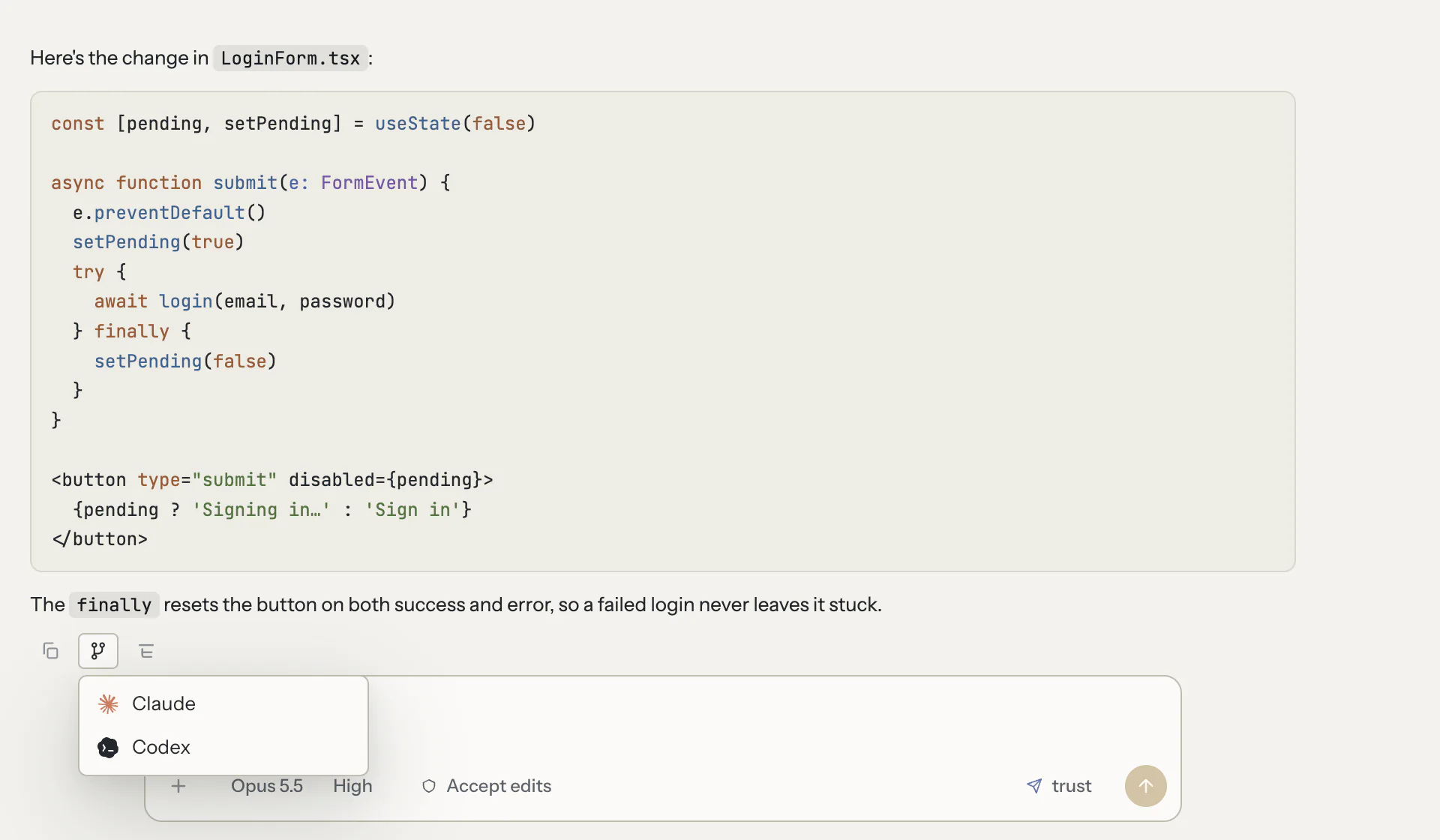
To fork the whole session from the keyboard, type /fork. Add the engine to switch: /fork codex or /fork claude. If a turn is running, the fork waits for it: "Fork after this turn ends."
A fork is a top-level session like any other. It is not a nested session.
Carry a conversation to the other engine#
A fork onto the other engine brings the conversation with it. The new session starts with one collapsed line, for example Carried from Claude · 3 turns. Click it to see where it came from and read what was carried.
What carries and what does not:
- Carried: your prompts, the agent's answers, tool use as short lines, and the earlier summary if there was one.
- Left out: the line spells it out. From Claude, that is thinking, images, edits as file names only, and long tool output shortened. From Codex, it is long tool output shortened.
- Trimmed if too long: the oldest turns are dropped and the gap is marked, for example "12 earlier turns omitted".
- Kept in the new session: the permission mode, added folders, the worktree and the group.
- Not kept: the model, the effort and fast mode. The new session uses the target engine's defaults. Skills, MCP servers and plugins are the new engine's own.
Continue on the other engine when a plan hits its limit#
When your plan's usage limit stops a turn, the thread shows the stop and a button for the other engine, such as Continue on Claude or Continue on Codex. It appears only on the latest turn, and only when the other engine is available.
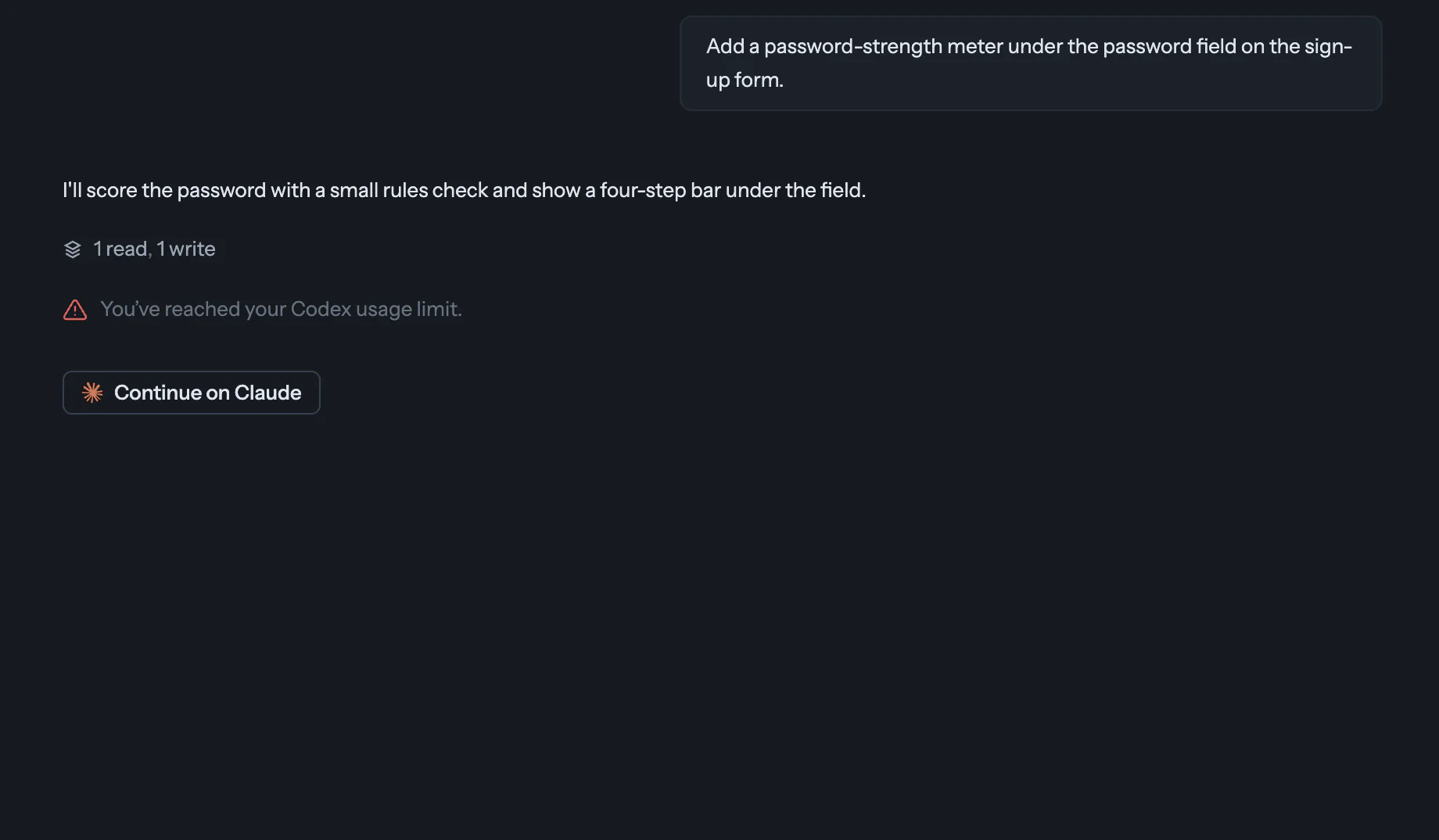
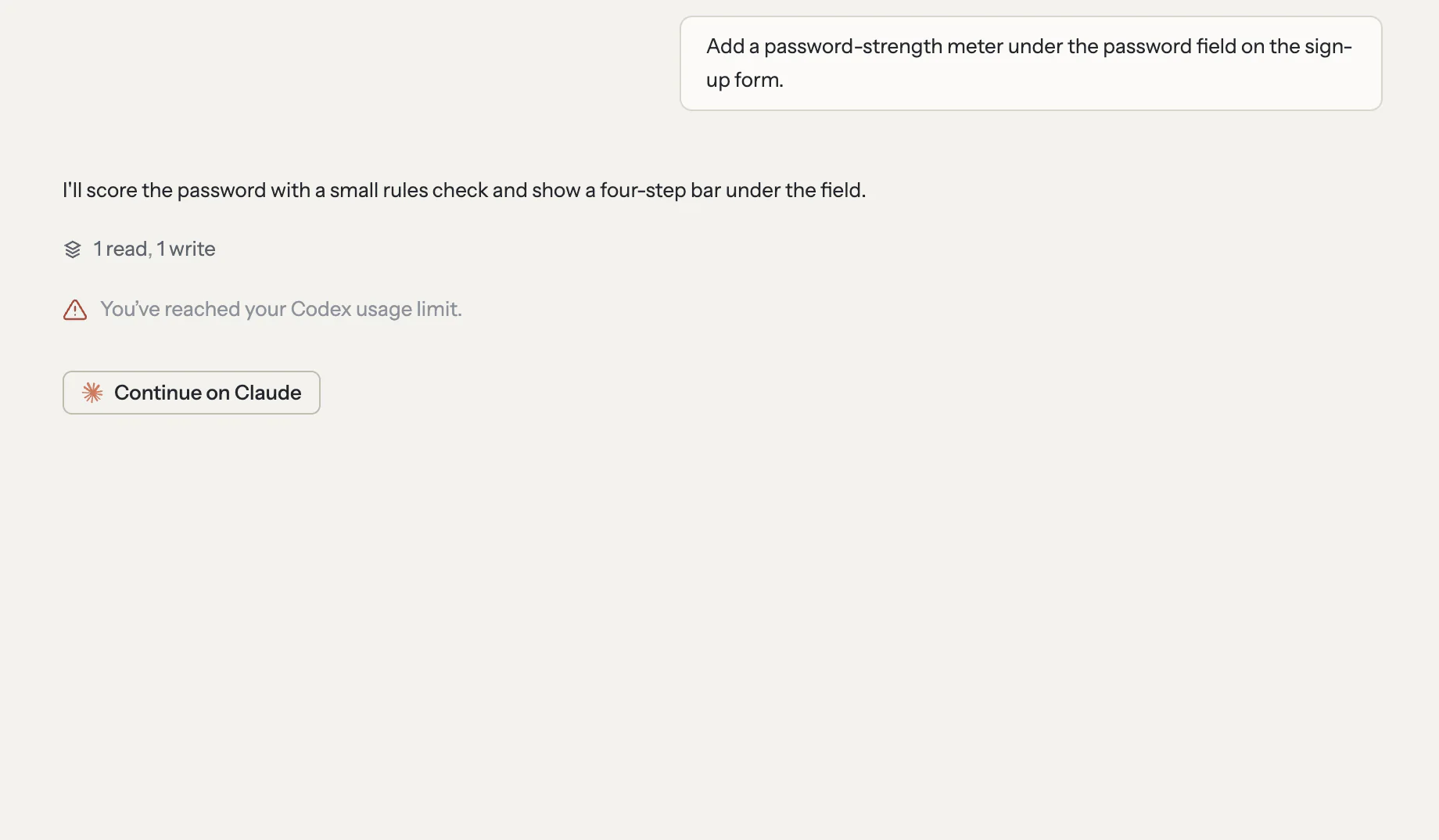
- Click Continue on Claude (or Codex).
- ShanFlow forks the whole session onto that engine, with the history carried as above, and focuses the composer.
- Send your next message.
The original session stays as it was.
Fork from a compaction line#
After a compaction, the divider between two turns has its own fork. Hover the line and click Fork from the summary. The new session carries the summary, plus what the compaction kept word for word. That makes a smaller, cheaper branch than forking the full answer above it.
The answer above a compaction line forks its full turns, as every answer does. A compaction that happened in the middle of a turn has no fork button.